
Connecting Shopify
Connect a Shopify store to Scope Wiser by installing the Scope Wiser app from your Shopify admin — no API keys needed — plus the custom-app route for developers.
Shopify connects by installing the Scope Wiser app from your Shopify admin — no API keys needed. This article walks through the install.
Connect the store
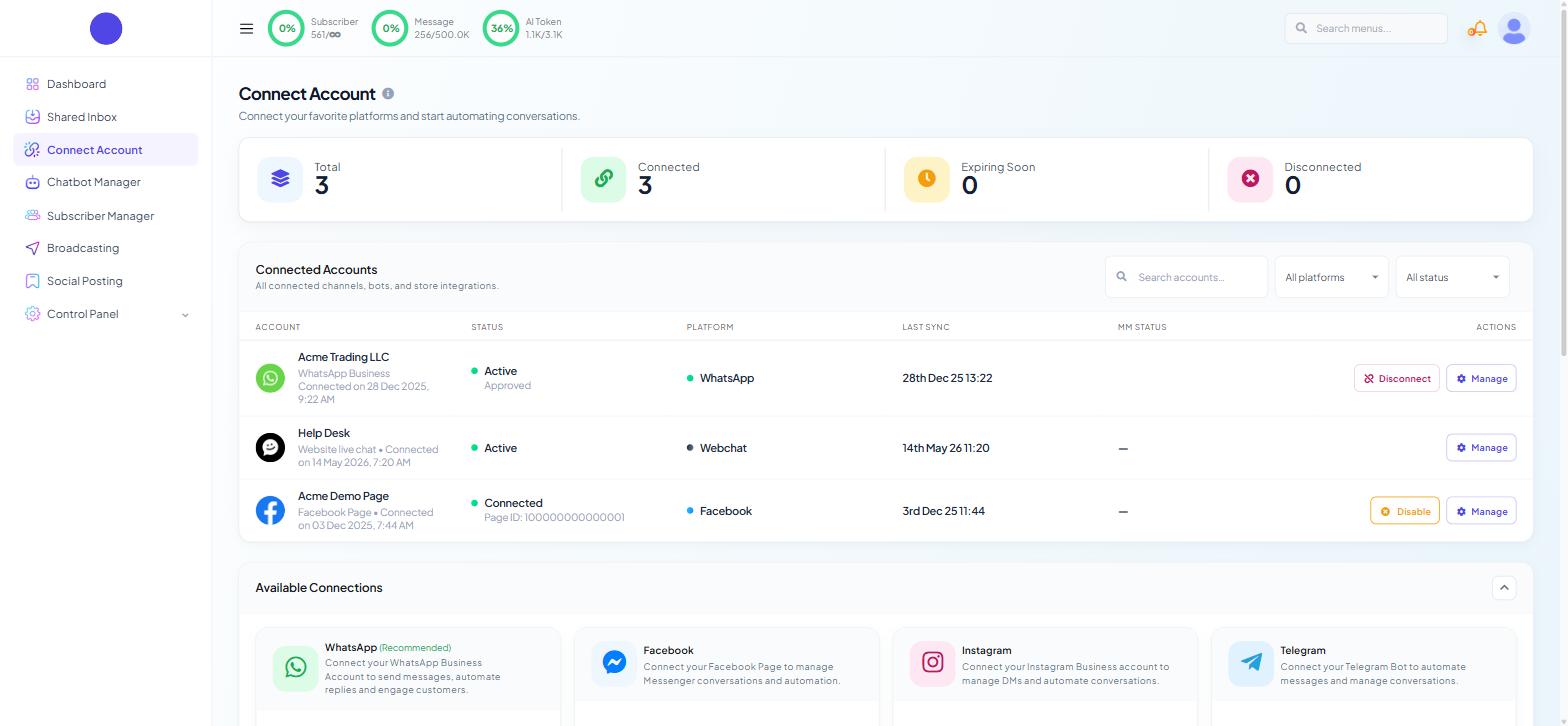
Open Connect Account. From the sidebar, choose Connect Account.
Find the Shopify card and click Connect Shopify.
Enter your shop address. Type your store's Shopify domain and submit it.
Approve the install in Shopify. You are taken to your Shopify admin and asked to install the Scope Wiser app. Read the permissions it asks for, then install.
Confirm you are back. You return to Scope Wiser with a confirmation, and the store appears in your list of connected stores.
The page shows the same four steps beside the Shopify shop address field, with counters for Connected Stores and Active above them, and a table of connected stores below carrying STORE, STORE URL, EMAIL, PLAN NAME, STATUS, CONNECTED and ACTIONS.
If the page says "Shopify connection is not available yet. Please contact your administrator." Shopify is not switched on for your account. Nothing is wrong with your store or your login — ask us to enable it, and the connect form becomes active.
Before you start, be logged in to the correct Shopify admin in the same browser. If you manage several stores, Shopify installs the app on whichever store you are logged in to, and you get a connection to the wrong shop rather than an error.
For developers / advanced: a custom app and Admin API token
Most stores never need this — skip to the next section.
Use this route only where your Shopify organisation blocks app installs, or where you need to control exactly which scopes are granted.
Create a custom app in Shopify. In the Shopify admin, go to Settings → Apps and sales channels → Develop apps and create an app. Name it so you can recognise it later.
Set the Admin API scopes. Grant read and write access to Orders and Order editing. Save. Read-only access lets orders arrive but fails when a customer confirms or cancels over WhatsApp.
Install the app and reveal the token. Under API credentials, install the app, then reveal the Admin API access token. Shopify shows it once. Copy it now.
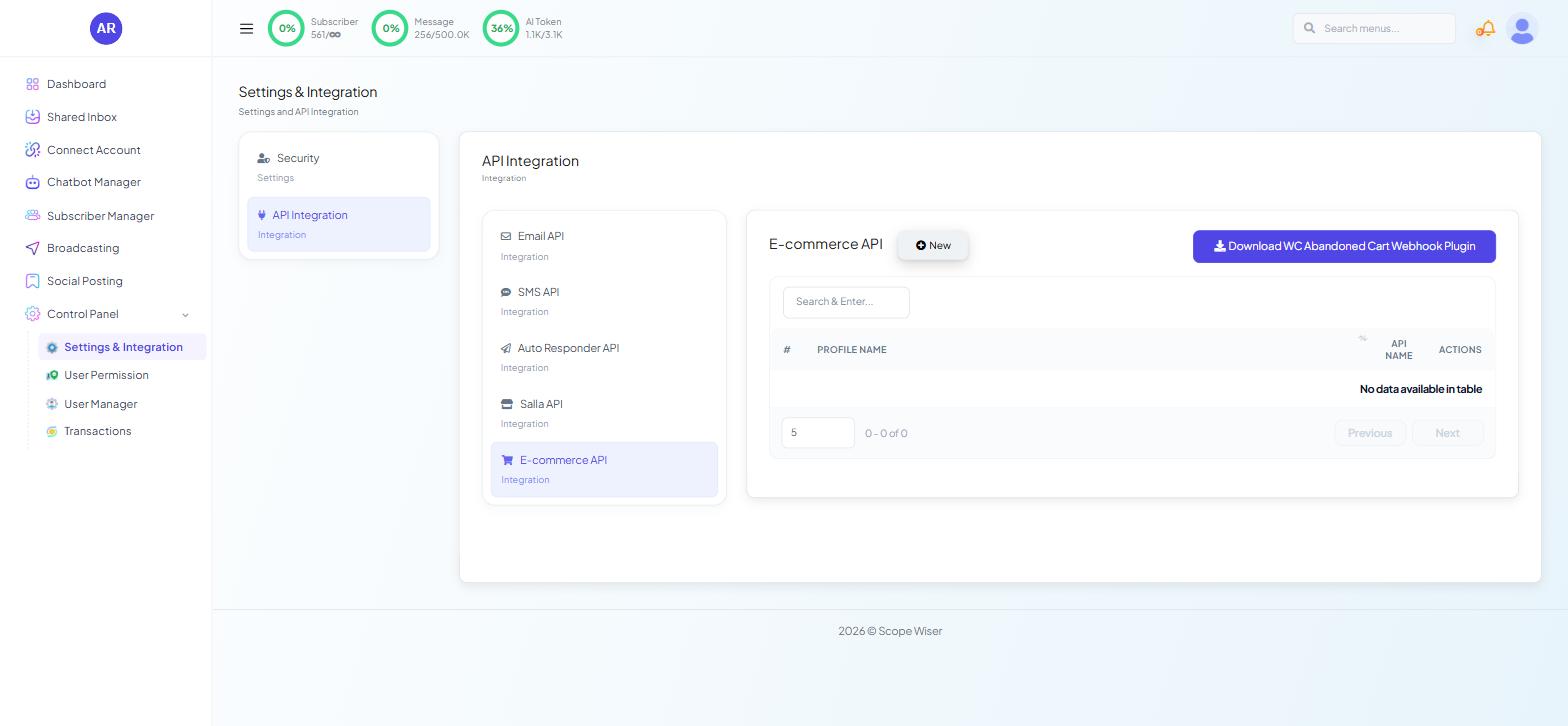
Create the store profile in Scope Wiser. Go to Control Panel → Settings & Integration → API Integration → E-commerce API and click New. Fill in a profile name, the store's subdomain and the Admin API access token, and save.
The same profiles appear in the SELECT STORE API * dropdown when you create a store automation campaign, where the ADD NEW API link opens the same form.
What the connection unlocks
On Chatbot Manager → Commerce → Store Automation, a campaign with STORE TYPE set to Shopify offers four actions:
Abandoned Cart Recovery (the default when you pick Shopify)
Order Notification
COD Verification
Order Update Notification
Choosing Shopify also sets the default MESSAGE DELAY (MINUTES) to 30, because the default action is cart recovery. Set it to 0 for an order confirmation.
Order Notifications: WooCommerce & Shopify explains the campaign form and the Webhook Workflow route. WooCommerce and Shopify: Which Route to Use and What to Build First shows which route each message takes.
Multiple stores
You can connect more than one Shopify store. Each campaign or workflow points at one store, so name each profile after the store, not the platform.
When it goes wrong
Connected to the wrong store. You were logged in to a different Shopify admin. Sign in to the right one and connect again.
Connected, but orders never appear. Check the campaign is saved and its SELECT STORE API is the right store. On the webhook route, check Shopify's own webhook delivery log.
Confirming or cancelling from WhatsApp does nothing. The custom app has read but not write access on Orders and Order editing.
Everything stops after a store change. Uninstalling the app or rotating the token breaks the connection. Reconnect.
Phone numbers missing. Shopify only has a number if the customer entered one.
What to do next
Abandoned Cart Recovery is built in on Shopify. Order Notifications: WooCommerce & Shopify is the lower-risk first build.