
WooCommerce and Shopify: Which Route to Use and What to Build First
Which article builds each store automation, where WooCommerce and Shopify differ, the order to build things in, and the phone-number rule.
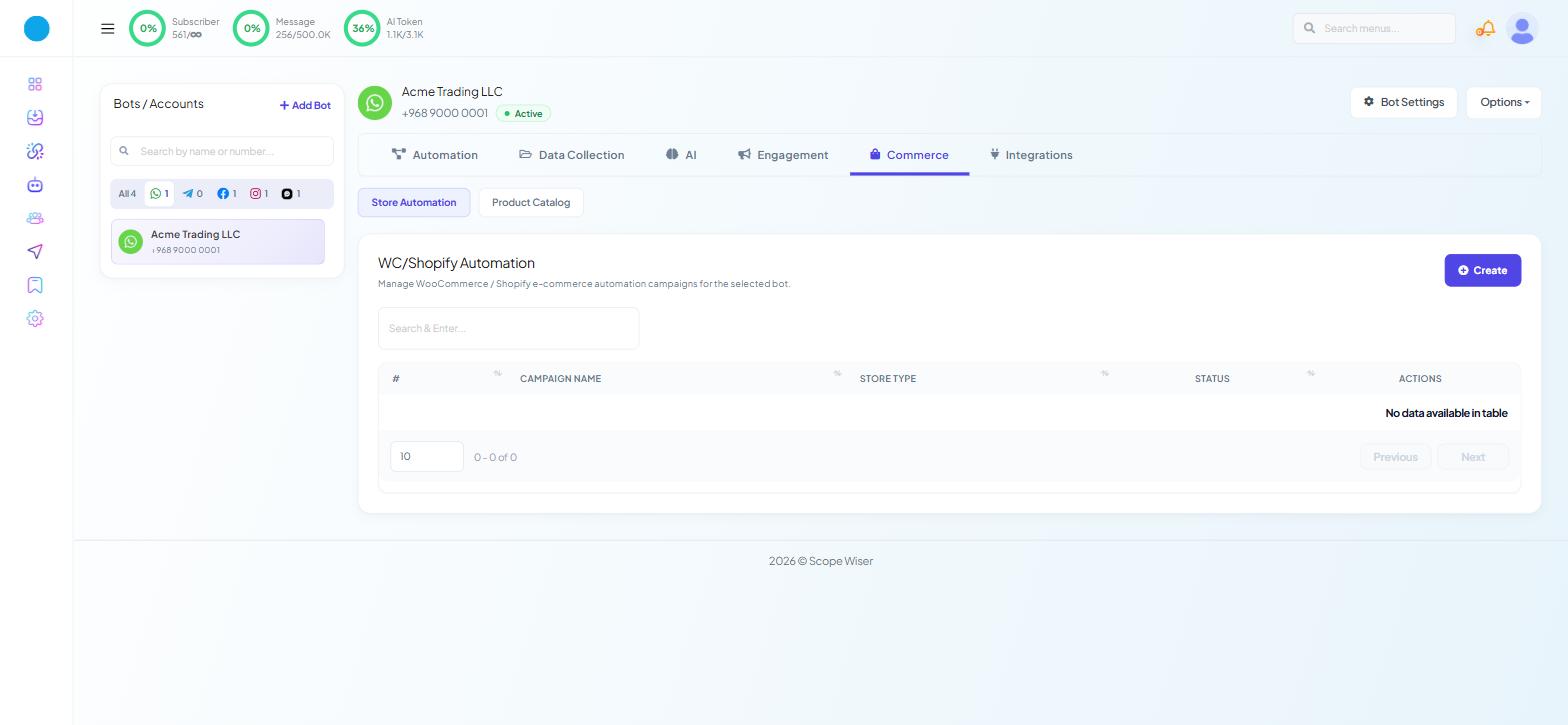
Four automations cover almost every connected store. This table says which article builds each one.
Automation | Route | Article |
|---|---|---|
Order confirmation | Store Automation | Order Notifications: WooCommerce & Shopify |
Order status updates | Store Automation, or a Webhook Workflow for a rule | Order Notifications: WooCommerce & Shopify |
Cash-on-delivery verification | Store Automation, or a Webhook Workflow for a rule | Verifying Cash-on-Delivery Orders Over WhatsApp |
Abandoned cart recovery | Store Automation on Shopify; plugin plus Webhook Workflow on WooCommerce | Abandoned Cart Recovery |
Use Store Automation where a stock action does the job. Move to a Webhook Workflow the moment you need the word "only" — only COD orders, only orders over a value, only certain status transitions. Webhook Workflow: Complete Beginner's Guide covers that route.
Where the platforms differ
The connection differs — Shopify installs an app, WooCommerce asks only for your store URL — and so does one action.
WooCommerce | Shopify | |
|---|---|---|
Connect | Store URL only — no API keys to copy | App install, or a custom app's Admin API token |
Order Notification | Store Automation | Store Automation |
COD Verification | Store Automation | Store Automation |
Order Update Notification | Store Automation | Store Automation |
Abandoned Cart Recovery | Not in Store Automation — plugin plus Webhook Workflow | Store Automation, and the default action |
If you cannot find the tabs
Commerce and Webhook Workflows appear on WhatsApp bots only, so check which bot is selected first. If a WhatsApp bot is selected and the tabs are still missing, the cause is your role: WHATSAPP - WORDPRESS/SHOPIFY INTEGRATION and WHATSAPP - WEBHOOK WORKFLOW are separate toggles under Control Panel → User Permission, and a capability switched off for a role is invisible to everyone holding it, with no error shown.
A build order that works
Connect the store. Connecting WooCommerce or Connecting Shopify.
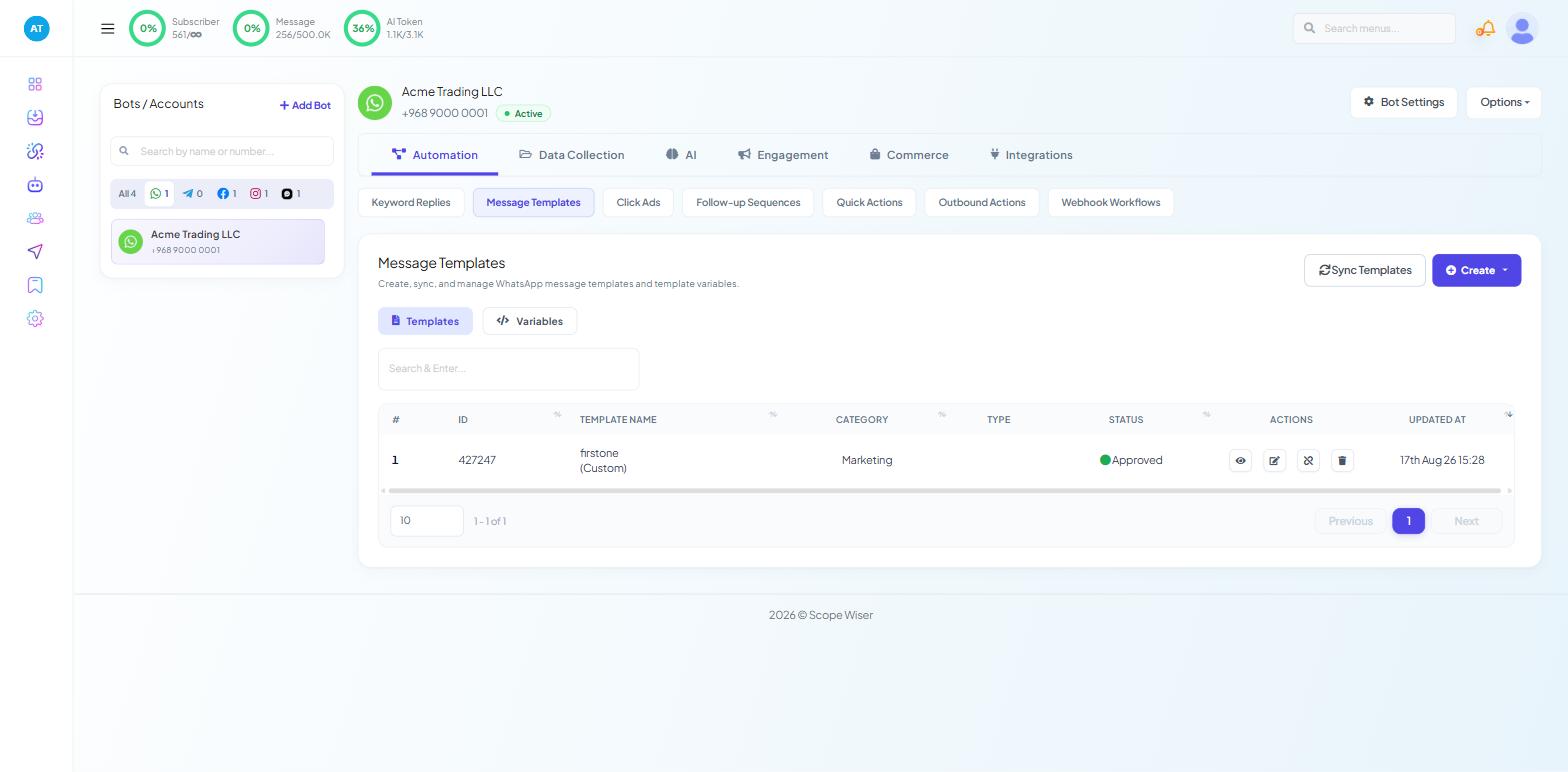
Create and sync templates. Start with the default set. Submit anything custom early, because approval takes the longest.
Build order confirmation. One form, low risk. It proves the connection, the template and the phone-number format all work.
Add COD verification if you take cash on delivery. Rewrite the confirm and cancel flows under Automation → Quick Actions first.
Add cart recovery. More effort on WooCommerce than on Shopify.
Add status updates last, with a rule limiting them to the two transitions customers care about.
Phone numbers
Phone numbers need a country code and no +. Set COUNTRY CODE on a campaign; on a workflow use the Trim Left formatter.