
Facebook Broadcast Analytics & Reporting
Read Messenger campaign results in Broadcast Center: what Processed, Delivered, Opened and Unreached mean for an opted-in audience, and how to diagnose a broadcast that underdelivered.
Messenger reporting uses the same screen and the same columns as WhatsApp, but the numbers mean something different: your audience is not a list you own, it is a set of permissions that quietly expire.
Where to look
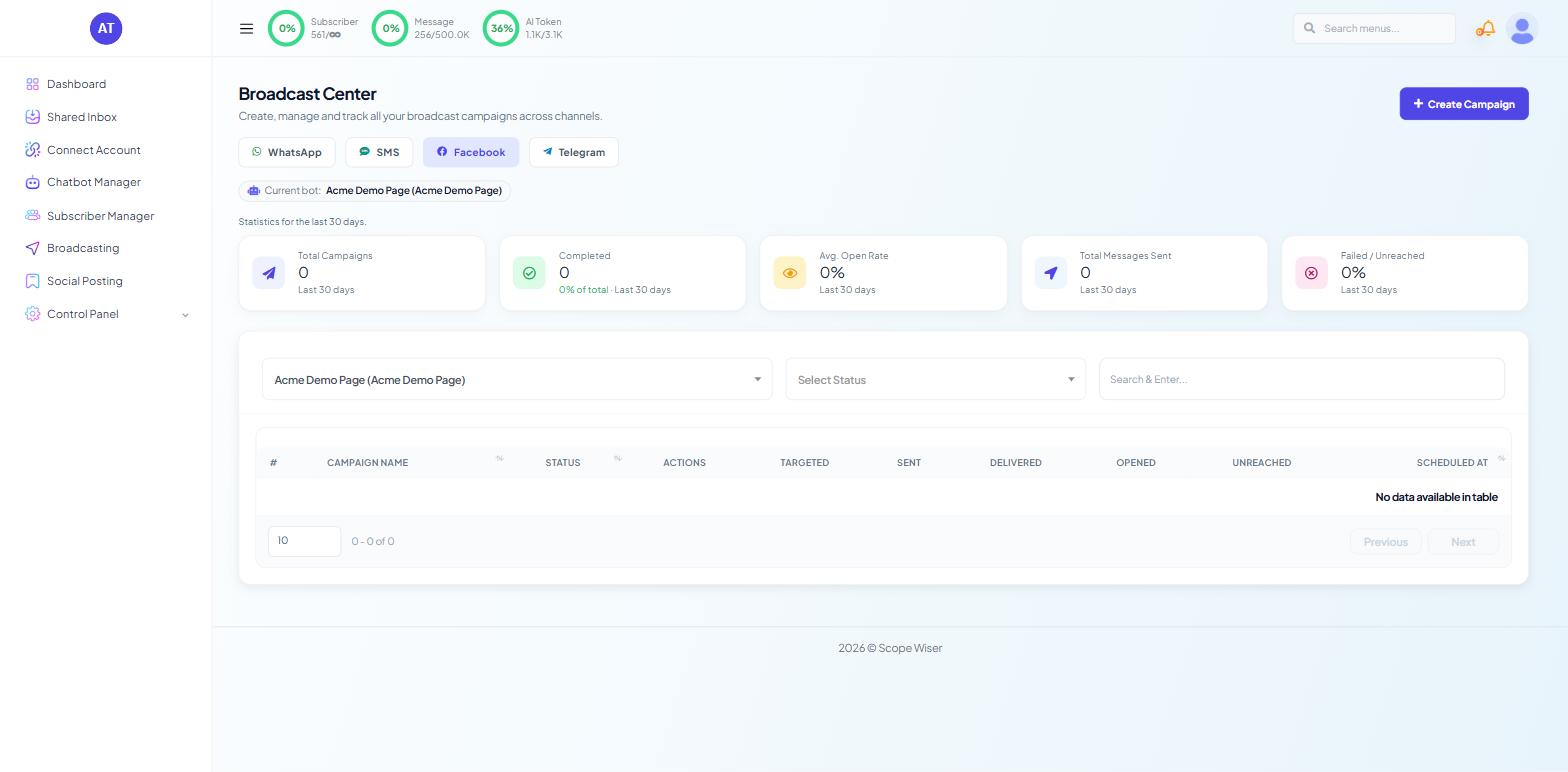
Open Broadcasting from the sidebar and switch to the Facebook tab of Broadcast Center. Confirm the Current bot: chip names the Page you want; the whole page is scoped to it, and a report that looks empty is usually a report for a different account.
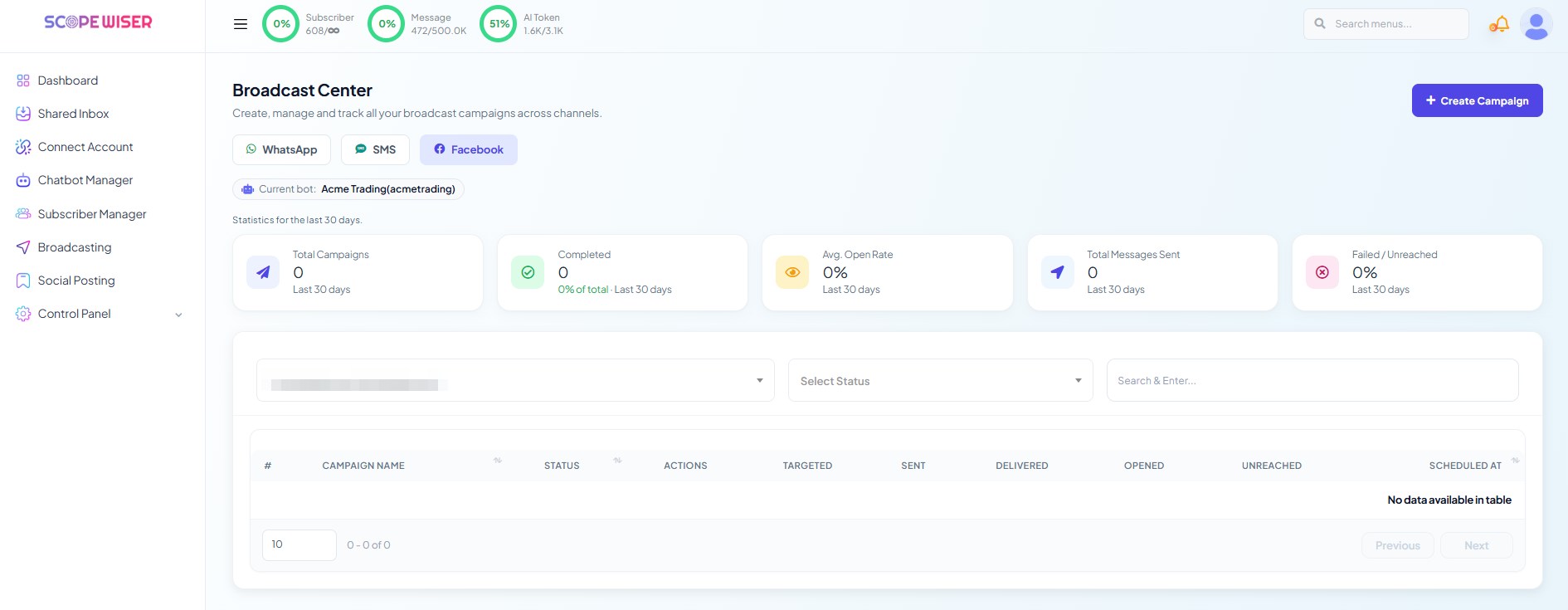
Same five cards and columns as the WhatsApp tab (see WhatsApp Broadcast Analytics & Reporting). Filter with the Select Status dropdown, or search by name with Search & Enter....
What the four counts mean here
PROCESSED — messages handed to Meta. On Messenger this is where an expired or withdrawn permission shows up: those subscribers are not eligible, so they never enter the funnel.
DELIVERED — messages that reached the recipient's Messenger.
OPENED — messages actually read. Messenger open rates tend to run high, which makes a low one genuinely informative.
UNREACHED — recipients the message did not get to.
The most useful comparison is your label's subscriber count against PROCESSED. A gap there is not a delivery failure; it is the natural decay of an opted-in audience. Track it over several campaigns and it tells you how fast you need to collect new opt-ins to stand still.
Per-campaign detail
The ACTIONS column carries per-row controls for opening a campaign's own report and for removing it. The report gives the campaign's status and its delivery breakdown.
The report does not count button taps. Put a Label Assign block behind each button; the label's subscriber count is your tap count, and the segment is immediately reusable.
Diagnosing an underdelivering campaign
Work down this list in order; the top items account for most cases.
Permissions expired. Messenger permissions run for a fixed period and lapse without notice. An audience collected six months ago may be largely gone. The fix is continuous collection, not a bigger send.
People withdrew consent. Messenger lets recipients stop updates directly, so withdrawals happen outside Scope Wiser entirely. A spike after a particular campaign usually means that campaign did not match what people agreed to receive.
You messaged more often than promised. The opt-in prompt named a rhythm. Exceeding it produces withdrawals faster than any other single cause.
The Page connection has a problem. Check Connect Account: the Facebook row should show a healthy connection status. A Page whose access has lapsed cannot send, and the campaign fails as a whole rather than per recipient. Connect Your Facebook Page covers reconnecting.
Meta slows very large sends. The symptom is a campaign that stays in Processing far longer than its size suggests. Splitting a large audience across days avoids it.
The wrong label was targeted. Open the campaign's configuration and check which labels were included and excluded. An exclusion applied to the wrong label empties an audience silently.
Reading engagement
Good numbers, rising withdrawals. You are sending more often than people agreed to. Reduce frequency before the audience decides for you.
Comparing campaigns and deleting old ones work the same way here as on the WhatsApp tab — see WhatsApp Broadcast Analytics & Reporting.
What to do next
Take the diagnosis into your next send via Running an RCN Broadcast Campaign. If the problem is audience size rather than engagement, RCN Postback Manager: Collecting Opt-Ins covers adding more opportunities to opt in.