
WhatsApp Broadcast Analytics & Reporting
Read the Broadcast Center numbers properly: what Processed, Delivered, Opened and Unreached actually mean, how to filter campaigns, and which figures should change how you send next time.
This page explains the five summary cards and four campaign counts, and what to change when they look wrong.
Where the numbers live
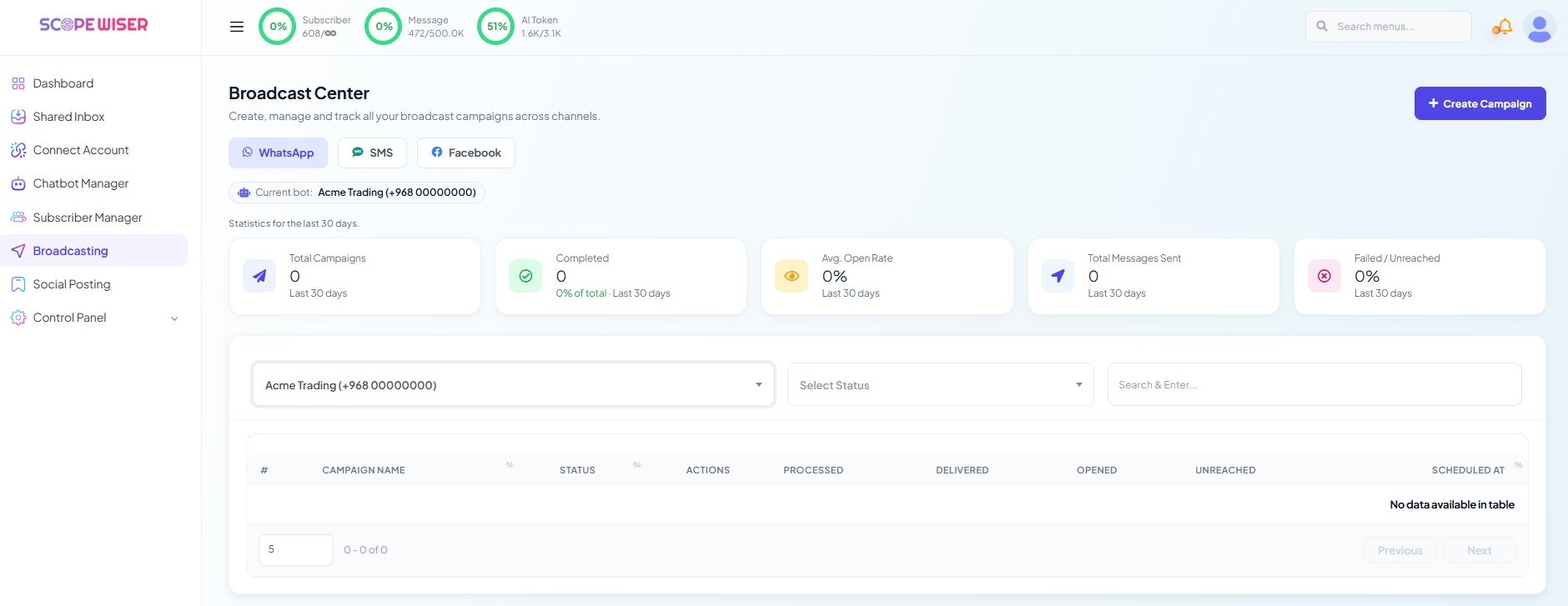
Open Broadcasting from the sidebar. The Broadcast Center page opens on the WhatsApp tab, scoped to whichever account the Current bot: chip names. Change the bot and every figure on the page changes with it, so a report that looks empty is often a report for the wrong account.
Across the top, five stat cards summarise the last 30 days — the page says so: "Statistics for the last 30 days."
Card | What it counts |
|---|---|
Total Campaigns | Campaigns created in the period |
Completed | How many finished, also expressed as a percentage of total |
Avg. Open Rate | Mean open rate across the period's campaigns |
Total Messages Sent | Messages, not campaigns |
Failed / Unreached | Shown as a percentage |
These are trend indicators rather than campaign diagnostics. Watch Failed / Unreached month over month: a rising percentage means your list is decaying faster than you are cleaning it.
The campaign table, column by column
Beneath the cards, every campaign for the selected bot is listed with columns #, CAMPAIGN NAME, STATUS, ACTIONS, PROCESSED, DELIVERED, OPENED, UNREACHED and SCHEDULED AT.
The four count columns describe a funnel, and the gaps between them are where the information is:
PROCESSED — messages Scope Wiser handed to WhatsApp. A processed count well below your targeted audience points at the account's daily conversation limit or a send still in progress.
DELIVERED — messages that reached a device. The gap between processed and delivered is numbers that no longer exist on WhatsApp, subscribers who blocked you, or handsets that have been offline since the send.
OPENED — messages the recipient actually looked at. The gap between delivered and opened is a content and timing problem, not a list problem.
UNREACHED — recipients the message never got to. Treat this as a list-hygiene metric.
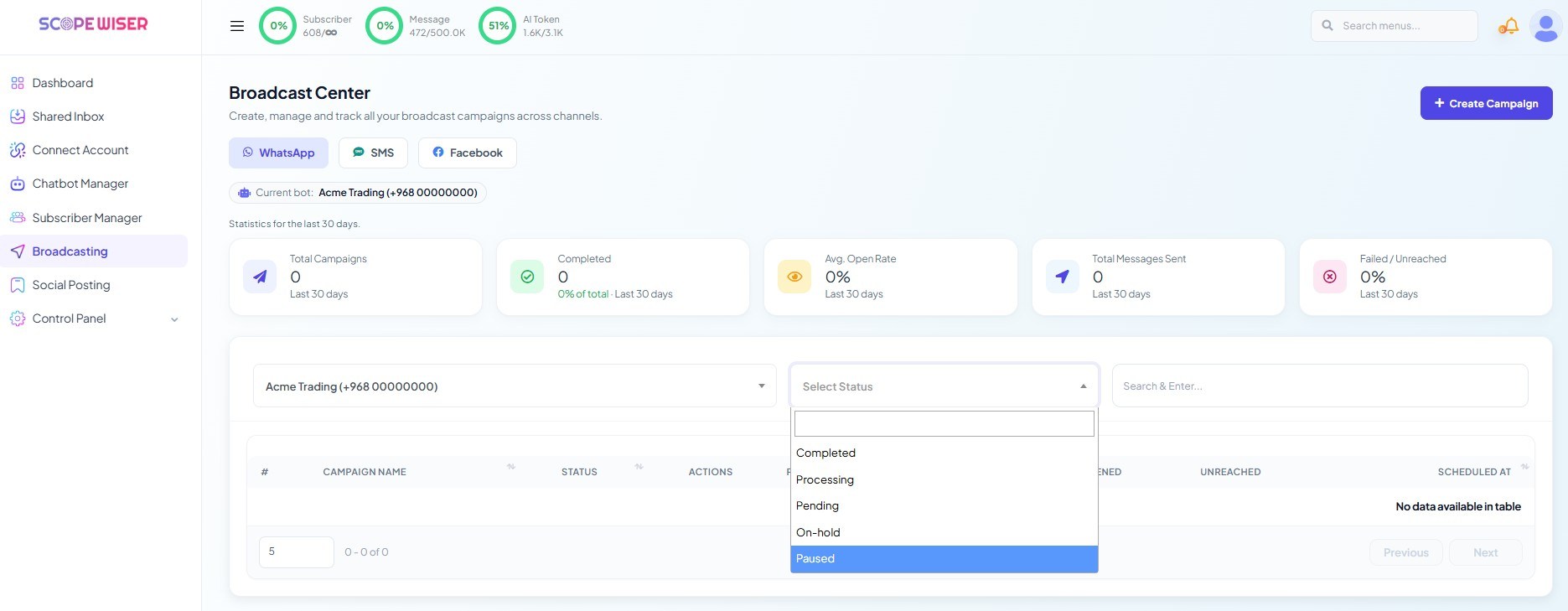
STATUS reports where the campaign is: values include Completed, Processing, Pending, On-hold and Paused. A campaign sitting at Processing for a long time on a large audience is usually normal; the same on a small one is worth investigating.
SCHEDULED AT shows when the campaign was set to go, which matters when you are comparing open rates across send times.
Finding one campaign
Three controls sit above the table: the bot selector, a Select Status dropdown, and a Search & Enter... box that matches on campaign name. Filtering by status is the fastest way to spot anything stuck — set it to Processing or Pending and see what should have finished.
The table paginates, defaulting to five rows per page, with a page-size field and Previous / Next controls beneath it.
This is also why campaign names matter. October price list — recent buyers is findable months later; test 3 is not.
Per-campaign detail
The ACTIONS column carries per-row controls for opening a campaign's own report, exporting its data and removing it.
Reading the results
Compare the funnel against the audience you targeted, and the shape tells you what to change.
Delivered is far below processed. A list problem. Numbers have gone dead or people have blocked you. Export the campaign, remove the recipients who failed, and check your quality rating on the WhatsApp Integration page — a delivery gap and a falling rating usually appear together.
Delivered is high, opened is low. Nothing to do with your list. Either the message arrived at a bad hour, or the first line did not earn a tap. Send the next campaign at a different time before you rewrite anything, since timing is the cheaper experiment.
Processed is far below your targeted count. Look at the daily conversation limit rather than the campaign. Meta caps the account, and the surplus does not go out.
Opens are good but nothing happens. The message worked and the call to action did not. Interactive buttons make the next step tappable, and a reply of any kind reopens the 24-hour window.
One campaign's open rate means little on its own: change one thing per campaign and note it in the name.
The dashboard view
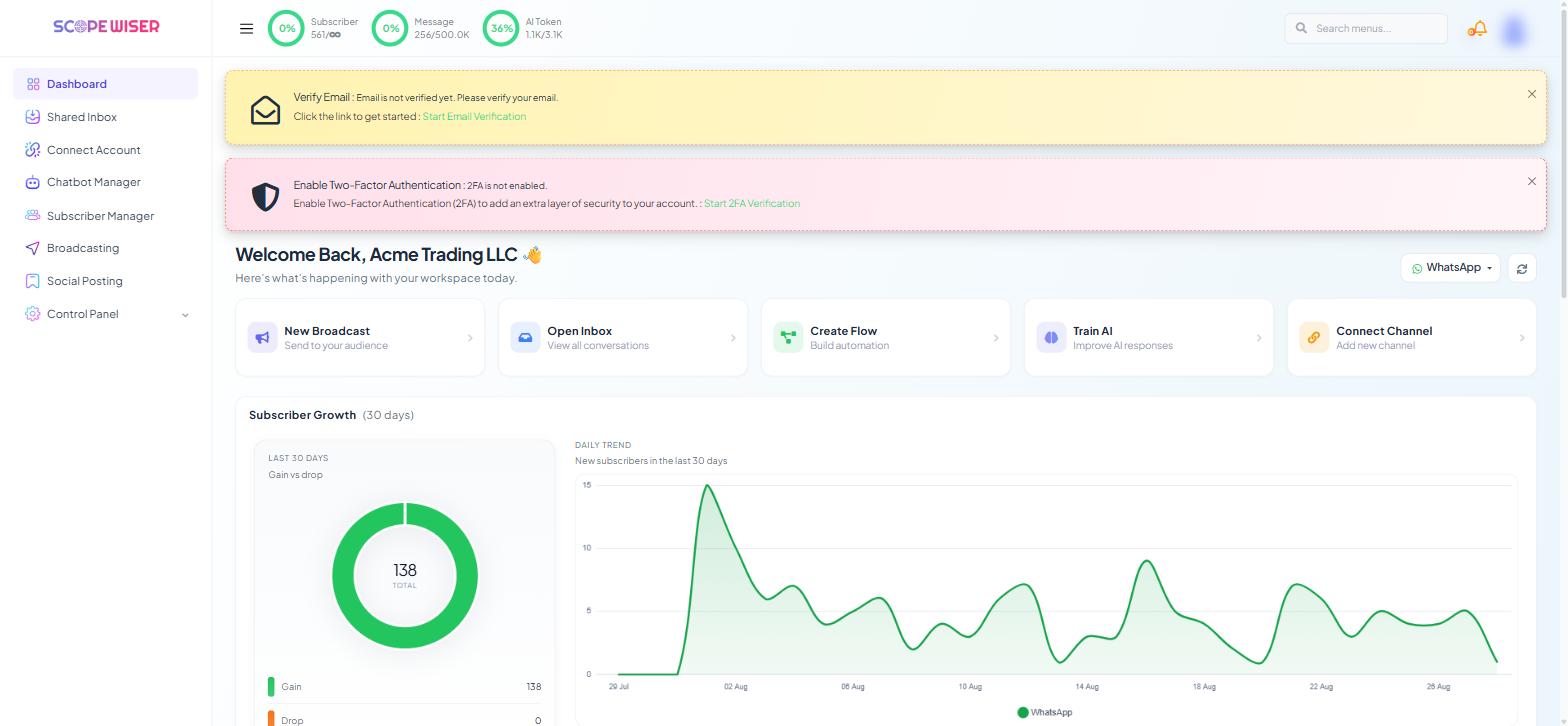
For a quick check without opening Broadcast Center, the Dashboard carries a Broadcasting Report (Last 5 Campaigns) card with a View all → link.
Housekeeping
The stat cards cover a rolling 30 days, so leftover test campaigns skew the averages you are trying to read. Delete campaigns you will never look at again — test runs, duplicates, abandoned drafts — and export anything you want to keep first, because deletion removes the record from the table.
If no delete icon shows, your role lacks the DELETE permission for BROADCAST (Control Panel → User Permission).
What to do next
Take what the funnel told you into the next campaign via Running a WhatsApp Broadcast Campaign. If delivery rather than engagement is the problem, Labels, Lists & Segments covers building the smaller, cleaner audiences that fix it.